SDXL Image-to-Image
Image → ImageGenerate SDXL image variations from a source image using prompt guidance and denoise strength
sdxl_img2img8 GB VRAM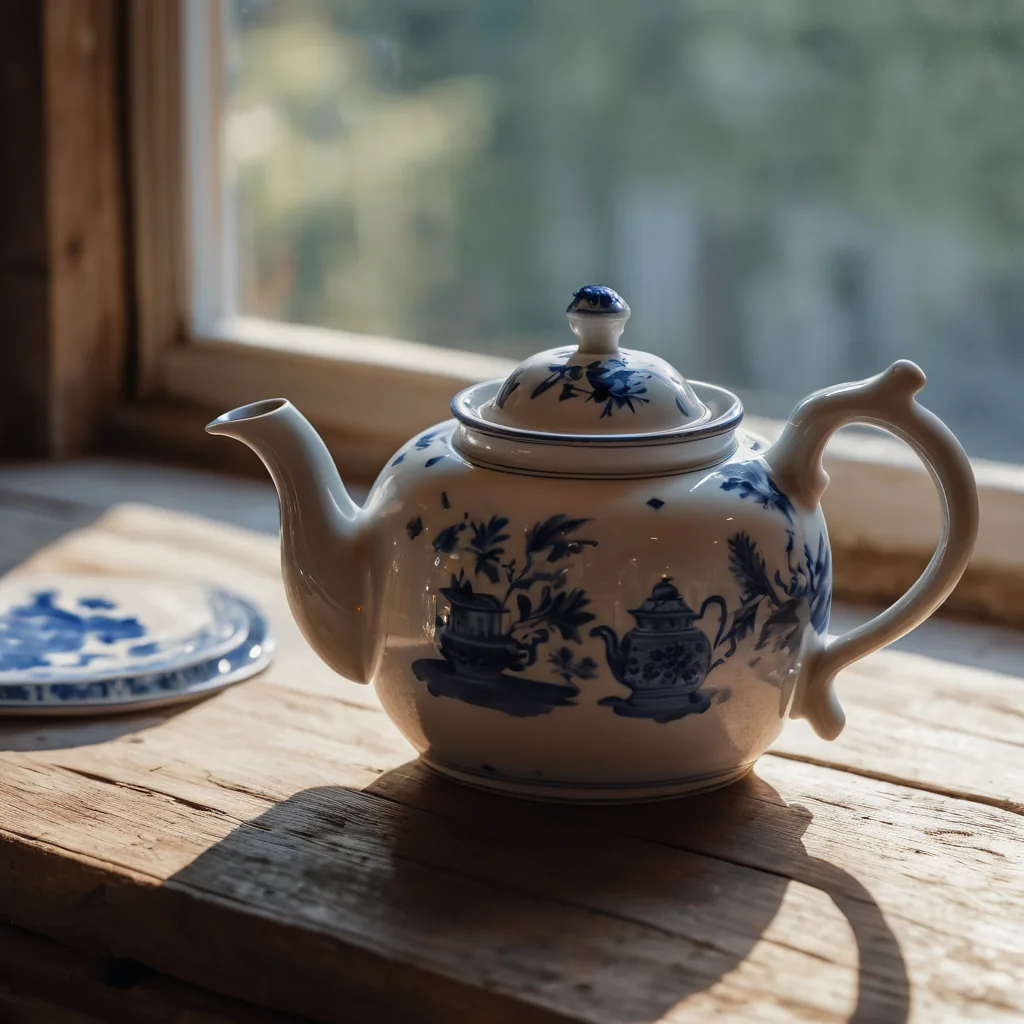
sdxl_img2img on our own hardware. Prompt: “a blue and white porcelain teapot on a wooden table beside a window, delft pattern, morning light”Calling it
FlixML has no generate button: you tell your agent what you want and it calls the API on your install. The id is what names this workflow.
POST /api/image/generate
{
  "workflow": "sdxl_img2img",
  "prompt": 0,
  "image": 0,
  "checkpoint": 0
}
Parameters
promptstringrequiredComma-separated tags describing the image you want out, not the change you want made — this is a re-render of the source at `denoise` strength, not an instruction-following edit. 'restyled as an oil painting' works because it is a description of the result; 'make the sky darker' does not, because nothing here reads commands. For an edit you can phrase as an instruction, use flux2_klein_edit or qwen_pose_edit instead. Same tag syntax as sdxl_base: subject first, `(term:1.2)` to weight a term. Keep the prompt consistent with what is already in the frame — at the 0.25-0.45 denoise this workflow is built for, a prompt that contradicts the source fights it and smears.
imagestringrequiredSource image filename or Studio output path
checkpointstringrequiredSDXL checkpoint model filename
negative_promptstringdefault What to steer away from, same tag syntax. Keep it to defects you actually see — 'blurry, low quality, watermark'.
widthintegerdefault 832heightintegerdefault 1216seedintegerdefault 42stepsintegerdefault 28cfgfloatdefault 7samplerstringdefault dpmpp_2mschedulerstringdefault karrasdenoisefloatdefault 0.35Lower preserves the source image more; 0.25-0.45 is good for identity-preserving variations
Your install is the source of truth: GET /api/workflows returns these parameters as they are on your machine.
Same input, different job
FLUX.2 Klein Reference Edit
Generate a new image from a reference image and a plain-English instruction. FLUX.2 Klein 4B reads the reference as conditioning and samples a fresh frame, so unlike img2img it can change pose, wardrobe and setting while holding the subject's identity. Say what changes and what stays.
Qwen Multi-Angle (re-angle a still)
Re-shoot an existing image of the same subject from a new camera angle. Qwen-Image-Edit-2511 + multi-angle LoRA holds identity, clothing, and lighting while changing the camera viewpoint. Produces a sibling of the source still at a different angle.
Qwen Pose/Position Edit (instruction)
Edit an existing image from a plain-English instruction — change a subject's pose, position, or what they're doing while holding their identity, clothing, the room, and lighting. Powered by Qwen-Image-Edit-2511; the source image is the reference (no LoRA).