Qwen Multi-Angle (re-angle a still)
Image → ImageRe-shoot an existing image of the same subject from a new camera angle. Qwen-Image-Edit-2511 + multi-angle LoRA holds identity, clothing, and lighting while changing the camera viewpoint. Produces a sibling of the source still at a different angle.
qwen_multiangle12 GB VRAM31.3 GB of weights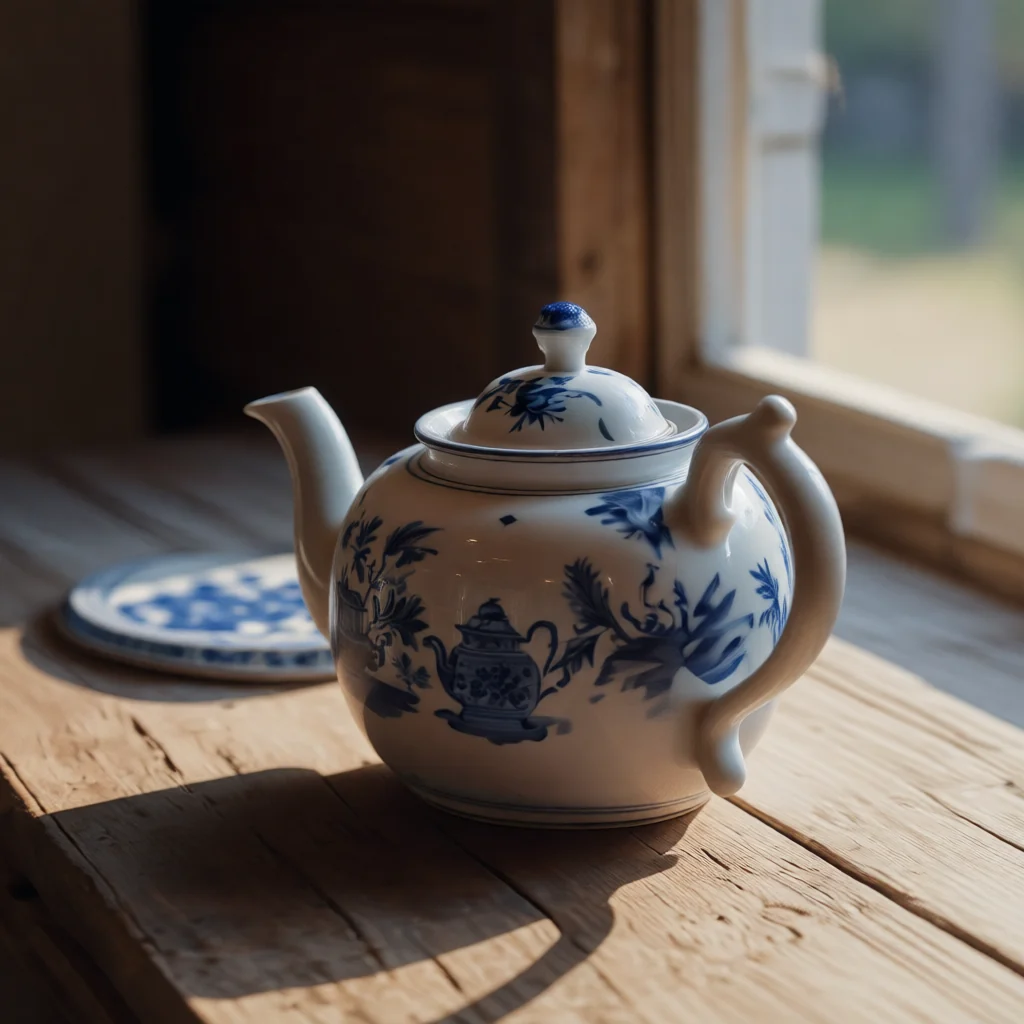
qwen_multiangle on our own hardware. Prompt: “front-right quarter view eye-level shot medium shot”Calling it
FlixML has no generate button: you tell your agent what you want and it calls the API on your install. The id is what names this workflow.
POST /api/image/generate
{
  "workflow": "qwen_multiangle",
  "image": 0,
  "prompt": 0
}
Parameters
imagestringrequiredSource image filename or Studio output path to re-angle
promptstringrequiredCamera-angle spec only (the <sks> trigger is prepended automatically; do NOT pass a character/scene prompt here). Format: '<azimuth> view <elevation> shot <distance>'. Azimuth: front | front-right quarter | right side | back-right quarter | back | back-left quarter | left side | front-left quarter. Elevation: low-angle | eye-level | elevated | high-angle. Distance: wide shot | medium shot | close-up. Example: 'front-right quarter view eye-level shot medium shot'
seedintegerdefault 42Your install is the source of truth: GET /api/workflows returns these parameters as they are on your machine.
What it costs to run
Uses the fp8 model file, same as qwen_pose_edit, where fp8 tested about 40% faster than the Q4_K_M .gguf on an RTX 4070 Ti (2026-09-14). Also runs with this workflow's multi-angle LoRA on the fp8 file (tested 2026-09-14).
Same input, different job
FLUX.2 Klein Reference Edit
Generate a new image from a reference image and a plain-English instruction. FLUX.2 Klein 4B reads the reference as conditioning and samples a fresh frame, so unlike img2img it can change pose, wardrobe and setting while holding the subject's identity. Say what changes and what stays.
Qwen Pose/Position Edit (instruction)
Edit an existing image from a plain-English instruction — change a subject's pose, position, or what they're doing while holding their identity, clothing, the room, and lighting. Powered by Qwen-Image-Edit-2511; the source image is the reference (no LoRA).
SDXL Image-to-Image
Generate SDXL image variations from a source image using prompt guidance and denoise strength